If your packing team is still printing a label, walking it to the bag, peeling it, applying it, and then checking whether it belongs to the right order, the printer is not a small accessory. It is part of the packaging flow.
That is why many e-commerce warehouses, parts distributors, kitting operations, and light manufacturing lines now look for an auto bagger with printer instead of a standalone bagger plus a separate labeling station. The goal is not only to make the bag look cleaner. The real value is to print the right barcode, SKU, batch code, warning text, or shipping data on the correct bag at the moment the order is packed.
Thermal transfer overprinting, usually shortened to TTO, is one of the most practical ways to do this on pre-opened bags on a roll. But there are two common configurations: intermittent TTO and continuous TTO. They are not interchangeable. The better choice depends on when the film stops, how much data you print, where the print needs to sit on the bag, and how the bagger is fed by operators or upstream systems.
This guide explains the difference from a packaging-line point of view, not just from a printer brochure.
What an Auto Bagger with Printer Actually Adds to the Line
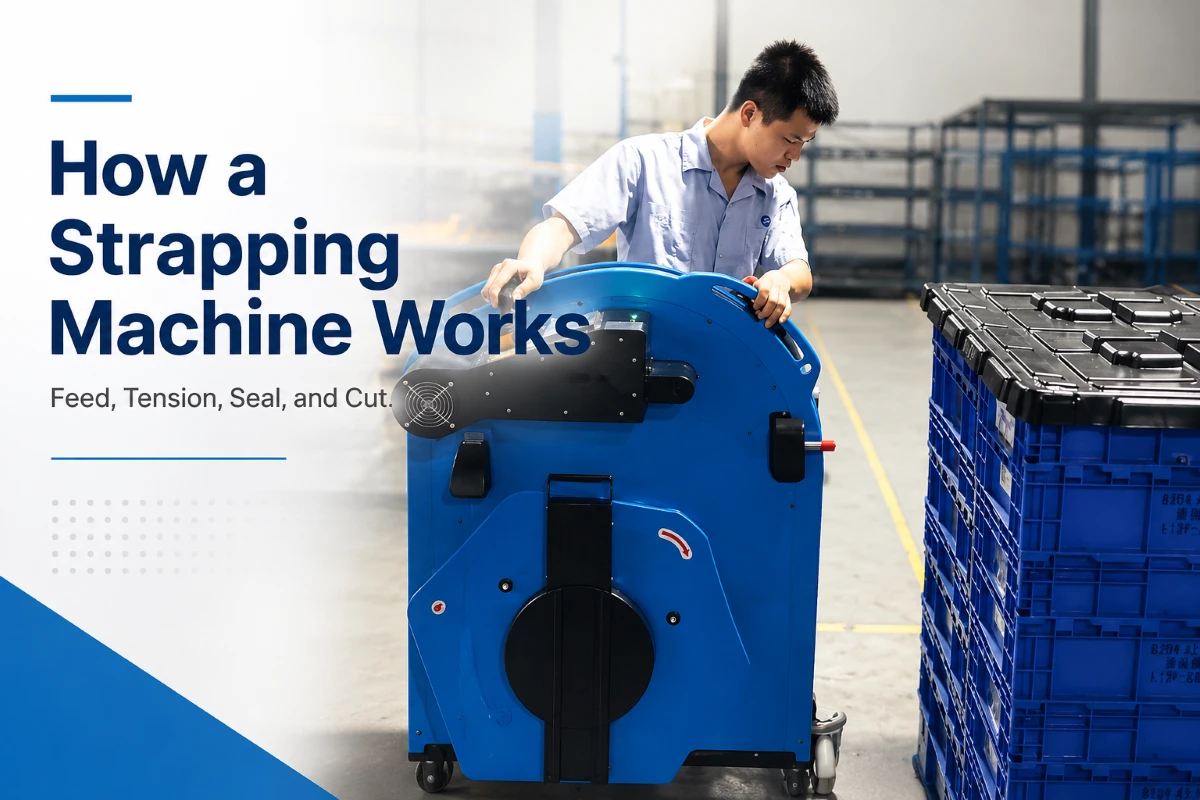
A standard automatic bagger and sealer opens a pre-opened bag, presents it for loading, seals it, and discharges the finished pack. An auto bagger with printer adds a print step into that cycle.
Depending on the system, the printer may add:
- SKU numbers or part numbers
- Lot codes, batch codes, and date codes
- Barcodes or 2D codes for traceability
- Shipping or routing information
- Simple branding, return instructions, or compliance text
- Warning marks such as suffocation notices
The important detail is timing. The print step must match the bag movement. If the printer fires too early, too late, or while the film is unstable, the result can be a scannable code in the wrong location, a ribbon wrinkle, a blurred line of text, or a rejected pack.
This is where intermittent and continuous TTO differ.
Intermittent TTO vs Continuous TTO: The Short Version
Intermittent TTO prints while the bag film is stopped. Continuous TTO prints while the film is moving.
That sounds simple, but it changes how the bagger is designed and how forgiving the system will be in daily operation.
| Decision point | Intermittent TTO | Continuous TTO |
|---|---|---|
| Film movement during printing | Film stops, printer head moves across the print area | Film keeps moving, printer head stays in position |
| Best fit | Indexing baggers, lower to mid-speed packing, precise placement | Higher-speed continuous film movement, longer print areas, faster cycles |
| Typical data | Barcodes, date codes, SKU text, small shipping fields | Repeated codes, longer text, larger print windows, high-throughput variable data |
| Print placement control | Strong when the film stop position is repeatable | Strong when web speed and registration are stable |
| Main risk | Cycle time loss if print area or data is too large | Print distortion if film speed, tension, or encoder control is unstable |
| Maintenance focus | Printhead movement, ribbon advance, platen cleanliness | Encoder/speed sync, ribbon tracking, web tension |
For many pre-opened bagging applications, both can work. The right question is not “Which printer is better?” It is “Which printer matches the bagger motion and the data job?”
How Intermittent TTO Works on a Bagging Machine
With intermittent TTO, the bag or film web indexes into position and stops. While the material is stationary, the printhead moves across the film and transfers ink from the ribbon to the bag surface.
This works well when the bagging machine already operates in a stop-start rhythm:
- The machine advances one bag.
- The bag is positioned and opened.
- The product is loaded.
- The system prints, seals, cuts, or indexes according to the machine design.
- The finished bag exits.
Intermittent printing is often a good fit for packing cells where the operator or an upstream counter controls the rhythm. Examples include hardware kits, spare parts, electronics accessories, medical device components, and small e-commerce items packed in pre-opened poly bags.
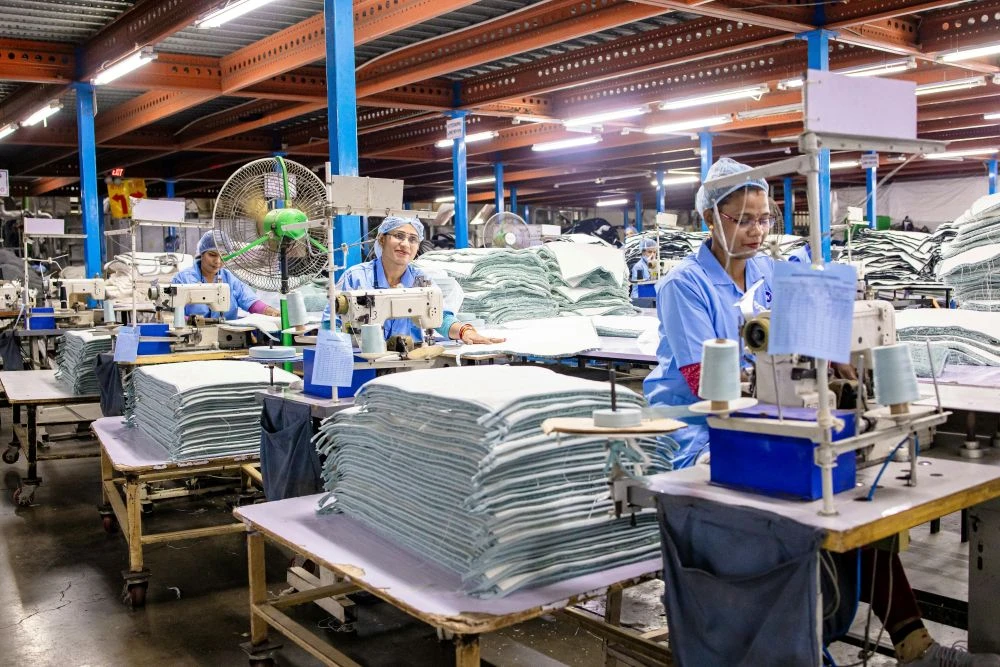
The practical advantage is print control. Because the film is stopped, the printer can place a small barcode, QR code, lot code, or text block in a defined area without chasing a moving web. If your package needs a clean scan zone in a specific corner of the bag, intermittent TTO can be very predictable.
The tradeoff is cycle time. A larger print area takes longer. If you ask an intermittent printer to cover a big shipping-label-sized block on every bag, the printer may become the bottleneck before the bagger, operator, or sealer does.
How Continuous TTO Works on a Bagging Machine
Continuous TTO prints while the film is moving. The printhead stays largely fixed, and the system uses film speed feedback, usually from an encoder, to synchronize ribbon movement and print timing.
This approach fits bagging lines where the film web moves more continuously or where the print step must not add a full stop to every cycle. It can be useful when the line needs higher output, longer print areas, or repeated variable data without interrupting film travel.
In a well-tuned system, continuous TTO can support fast, clean printing. But it depends heavily on stable motion. Web tension, bag tracking, encoder accuracy, and roller condition matter. A small speed variation can show up as stretched text, compressed barcodes, or uneven print density.
For a warehouse operation, continuous TTO often makes sense when the print requirement is bigger than a date code or part number, and the packaging line is designed for steady motion rather than frequent dwell time.
When Direct Printing Beats a Separate Label
Not every operation needs direct-on-bag printing. A separate label printer can still be the right answer when you use many bag materials, need large full-color brand labels, or already have a validated shipping-label workflow.
Direct printing becomes attractive when the label step is causing one of these problems:
- Operators are matching printed labels to bags by hand.
- Labels are applied crookedly, wrinkled, or partly over the seal area.
- The label cost is high relative to the bag cost.
- The pack is small and the label takes up too much usable surface.
- The line needs next-bag-out order data from a WMS or ERP.
- The package only needs black text, codes, and simple graphics.
For high-mix e-commerce, the strongest argument is usually error reduction. If the bagger receives order data, prints the correct information, and immediately presents that bag for loading, there is less room for a label from order A to end up on product B.
For manufacturing and parts packaging, the argument is often traceability. A bag can carry the part number, work order, lot code, inspection status, and date without adding another label roll and application step.
How to Choose Between Intermittent and Continuous TTO
Start with the packaging motion, then look at the print job.
Choose intermittent TTO when print placement matters more than raw speed
Intermittent TTO is usually the safer choice when the bagger indexes one bag at a time and stops cleanly for loading, sealing, or printing. It is also a good fit when the print area is moderate and must land in a tight window.
Typical use cases include:
- Small parts bags with part numbers and lot codes
- Hardware kits that need a barcode and kit ID
- E-commerce poly bags with a simple order code or return text
- Medical or electronics components with small traceability fields
- Packaging cells where operators hand-load products into an opened bag
In these applications, a half-second of print time may be acceptable if it prevents scanning errors or label mismatch.
Choose continuous TTO when the line cannot afford a print dwell
Continuous TTO is stronger when the film movement and bagger controls are built for speed and synchronization. It is often considered when the line needs to maintain a higher cycle rate while printing more information.
Typical use cases include:
- Larger print windows on poly bags
- Repeated compliance text or handling instructions
- High-throughput bagging cells with stable product feeding
- Lines where the bag web movement is already continuous or near-continuous
- Operations that need variable data without adding a separate label applicator
The key condition is stability. If your bag roll quality varies, the web drifts, or the machine frequently stops for manual loading delays, a continuous printer may not deliver its theoretical advantage.
What to Test Before You Buy
A supplier can tell you the printer resolution, ribbon width, and maximum print speed. Those numbers matter, but they do not prove the system will work with your bags, data, and operators.
Before choosing an auto bagger with printer, run a sample test with the same materials you plan to use in production.
Send the supplier:
- Bag width, bag length, lip size, film thickness, and roll core size
- Bag material, such as LDPE, co-extruded PE, recycled-content PE, or paper-poly film
- A sample roll of actual pre-opened bags if available
- Product samples covering the smallest, largest, heaviest, and most awkward SKUs
- The real print file, not a simplified demo code
- Barcode grade requirements if scanning is part of the workflow
- Target bags per minute and expected shift volume
- Photos or a sketch of the desired print location
During the test, watch for four things.
First, check print registration. The same barcode should land in the same area across a meaningful run, not just the first five bags.
Second, scan the codes after sealing and handling. Some prints look fine visually but fail after the bag flexes, cools, or rubs against a conveyor.
Third, check whether the print step changes throughput. If the printer slows the line by 20%, it may still be worth it for traceability, but you should know that before installation.
Fourth, inspect the ribbon path and waste. A poorly matched print area can consume more ribbon than expected, especially if the system advances ribbon for a large window but only prints a small code.
Bag and Ribbon Details That Affect Print Quality
TTO print quality is not only a printer issue. The bag surface matters.
Smooth PE films usually print more consistently than heavily textured, dusty, or uneven materials. Recycled-content films can work well, but they should be tested because surface energy and thickness consistency may vary by supplier. Paper-poly structures can be printable, but they may need different ribbon chemistry and pressure settings.
Also consider where the print lands. Avoid printing over:
- The seal area
- Heavy gussets or folds
- Perforations between bags
- Areas that will be stretched by bulky products
- Zones where the operator’s hand repeatedly rubs during loading
For ribbons, match durability to the application. A simple warehouse routing code may not need the same abrasion resistance as a compliance mark on a part bag that will sit in inventory for two years. Wax-resin ribbons are common for many flexible packaging jobs, while more demanding surfaces may require a stronger resin blend. The best answer comes from testing, not guessing.
Common Mistakes We See in Printer-Bagger Projects
The first mistake is treating the printer as an add-on after the bagger has already been selected. Printing changes the cycle. It changes the control logic. It may change where the bag stops, how much open bag length is needed, and how the operator loads the product.
The second mistake is designing the print file in isolation. A barcode that scans perfectly on a flat PDF may fail when printed across a flexible bag with a soft product inside. Keep the scan zone flat, quiet, and away from folds.
The third mistake is ignoring data flow. If operators manually type lot codes into the HMI, the line is still exposed to human error. For order-specific or SKU-specific printing, ask whether the system can receive data from a scanner, WMS, ERP, CSV import, or another controlled source.
The fourth mistake is underestimating cleaning. Dust, film scrap, adhesive residue from nearby labels, and ribbon particles can reduce print quality. The maintenance routine should include printhead cleaning, platen inspection, ribbon path checks, and sensor cleaning, alongside the normal sealing-jaw and photo-eye checks of the bagger.
Where SelectPack Systems Fit
SelectPack’s auto bagger with printer options are designed around practical pre-opened bag packaging rather than bulk sacks, powder filling, grain bagging, or vertical form-fill-seal food lines.
That fit matters. If your goal is to pack fasteners, accessories, apparel, printed documents, electronics parts, spare parts, or e-commerce orders into pre-opened bags on a roll, direct printing can remove a separate label step and tighten order control. If your goal is to fill 25 kg open-mouth sacks, dose powder into pouches, or make bags from flat film on a VFFS line, this is the wrong machine category.
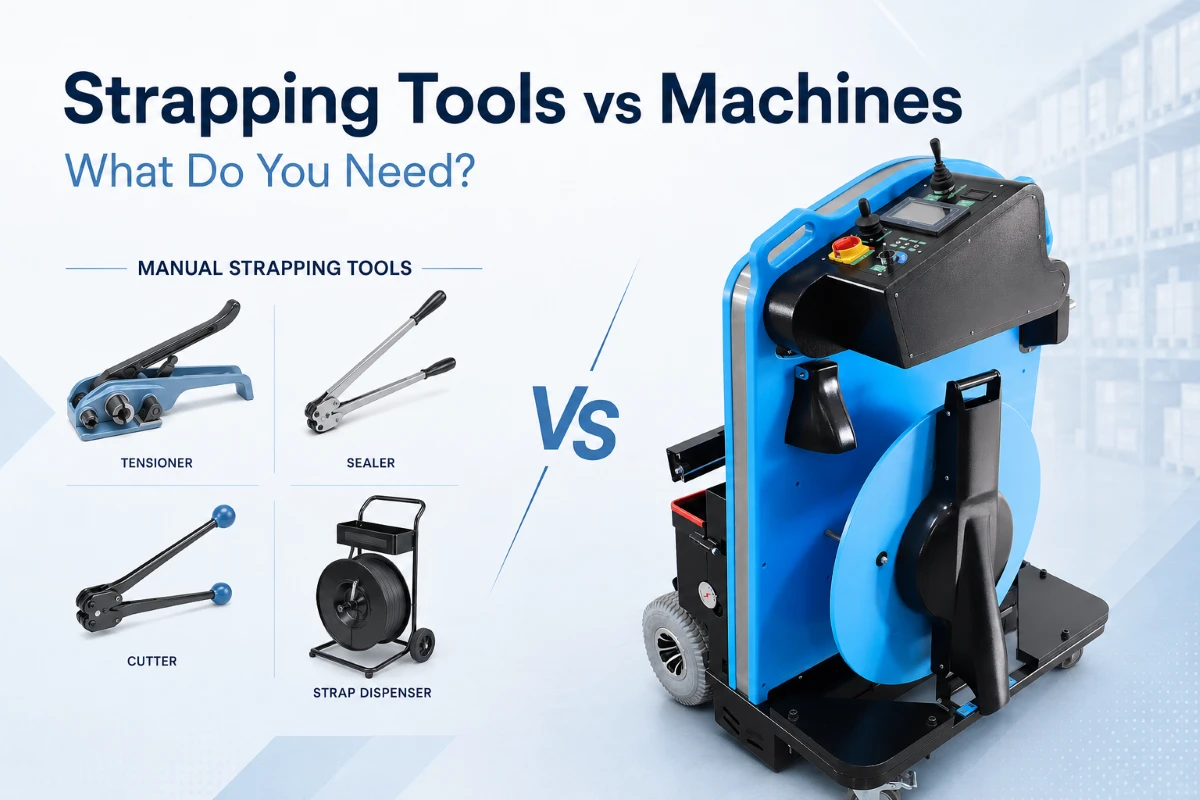
For buyers comparing configurations, SelectPack offers both intermittent TTO auto bagger and continuous TTO auto bagger options. The broader automatic bagging machine lineup can also help you decide whether inline printing should be part of the first installation or added after the packing workflow is proven.
A Practical Selection Checklist
Use this checklist before requesting a quote:
- What exactly needs to be printed: barcode, text, QR code, shipping data, lot code, or warning message?
- Is the data fixed, batch-based, SKU-based, or unique for every order?
- How large is the print area in millimeters or inches?
- Where should the print land relative to the bag mouth, seal, and product?
- Does the bag stop during the machine cycle, or does the film need to keep moving?
- What is the target real output per hour, including loading and sealing?
- Will operators scan products, or will order data come from WMS/ERP?
- What barcode grade or scan reliability is required?
- What bag materials and thicknesses will run now and in the next 12-24 months?
- Who will clean the printhead and replace ribbons, and how often?
If those answers are clear, the choice between intermittent and continuous TTO becomes much easier.
FAQ
Is an auto bagger with printer the same as a labeling system?
No. An auto bagger with printer prints directly on the bag, usually with TTO or another inline print method. A labeling system prints or dispenses a separate adhesive label and applies it to the package. Direct printing can reduce label consumables and mismatch risk, while labels may still be better for large shipping labels, color branding, or surfaces that are difficult to print directly.
Can TTO print shipping labels on poly bags?
It depends on the label size, carrier requirements, barcode grade, and bag surface. TTO can print barcodes and variable text on poly bags, but a full carrier label may require a larger print area and careful validation. For many e-commerce operations, direct printing is best used for order IDs, barcodes, return text, or routing information rather than replacing every label format without testing.
Does TTO printing slow down an automatic bagger and sealer?
It can. Intermittent TTO adds print time while the film is stopped, so large print areas can reduce bags per minute. Continuous TTO is designed to print while the film moves, but it requires stable motion control. The only reliable answer is a timed test using your bag, print file, product, and target workflow.
What print resolution is enough for barcodes?
Many industrial packaging applications use 203 dpi successfully for text and common barcodes. Small 2D codes, dense data, or strict scan requirements may benefit from 300 dpi. Resolution is only one factor; print contrast, quiet zone, bag flatness, and registration are just as important.
What information should I send to SelectPack for a printer-bagger recommendation?
Send bag samples, product samples, target output, print artwork, barcode requirements, data-source requirements, and photos of your current packing station. If you already use a WMS, ERP, scanner workflow, or label file format, include that information early. It helps the engineering team recommend the right printer type and avoid surprises during commissioning.
Bottom Line
Choose intermittent TTO when the bag stops cleanly and you want controlled print placement for codes, part numbers, and moderate data blocks. Choose continuous TTO when the packaging motion is stable, output requirements are higher, and the print job needs to happen without adding a full stop to each cycle.
The best auto bagger with printer is not the one with the longest specification sheet. It is the one that prints your real data on your real bag at your real packing speed, shift after shift.